Deplike
A year as the only designer at a guitar app with over a million players. Plugging the guitar in was the hard part, so I worked that one problem everywhere.
- Year
- 2019
- Track
- design
- Category
- case-study
Tools
- Adobe XD
- Illustrator
- Photoshop
- After Effects
- Cinema 4D
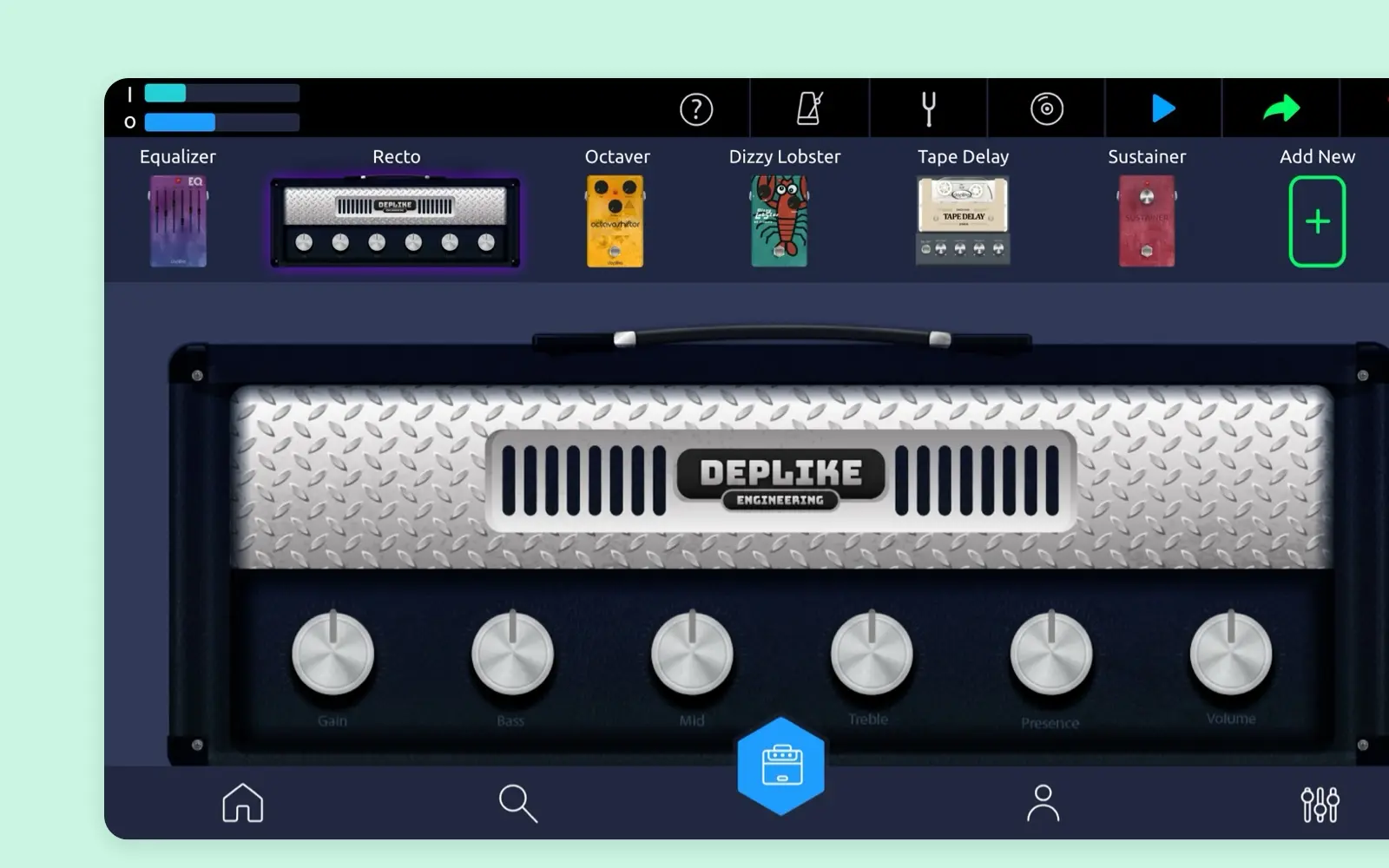
Deplike put a guitar rig inside a phone: amps and pedals, on iOS and Android, played in landscape. By its 2019 pitch deck the app had reached over 1,000,000 guitarists organically, with 70,000 monthly active users. I was its only designer from December 2018 to December 2019, at a company of eight in Ankara, covering the product vision, all the design work, the marketing and the decks for investment rounds, working directly with the engineers. The app worked. Getting a guitar into the phone did not come easily to most players, so we decided together to work on that, and I designed the answer inside the app and around it. All of it shipped. Solo, the social app we built the same year, has its own page, and how that bet went is at the end of this one. The pieces from December are concepts, never built.
A guitar, a cable and a phone
Anyone could download the app, and many people got stuck right after. A phone has no guitar input. You need a cable, in most cases a small interface between the two, and you need to know which one works with your phone. The deck's Market validation slide puts it in two numbers.
| Who | How many | Of |
|---|---|---|
| New users who tried to work out how to connect a guitar | 90k | 120k |
| Questions in 8,900 Google Play reviews about how to connect | 1 | 2 |
The same slide says guitarists mostly found Deplike by searching Google for how to connect a guitar to a phone. The question was the front door of the product. So we decided together that connecting was the problem to work on, and I took it to every surface the company had.
In the app
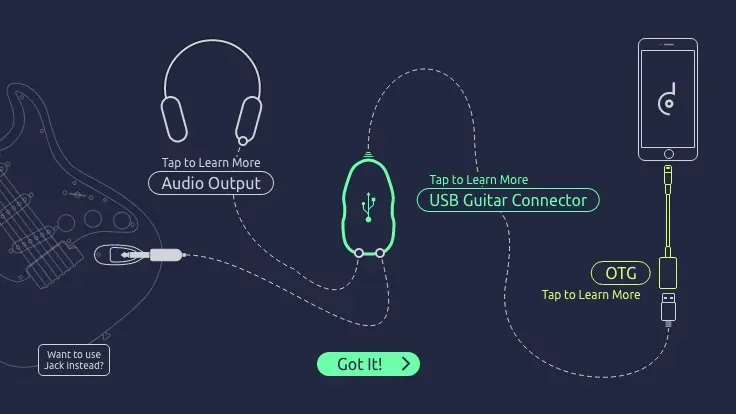
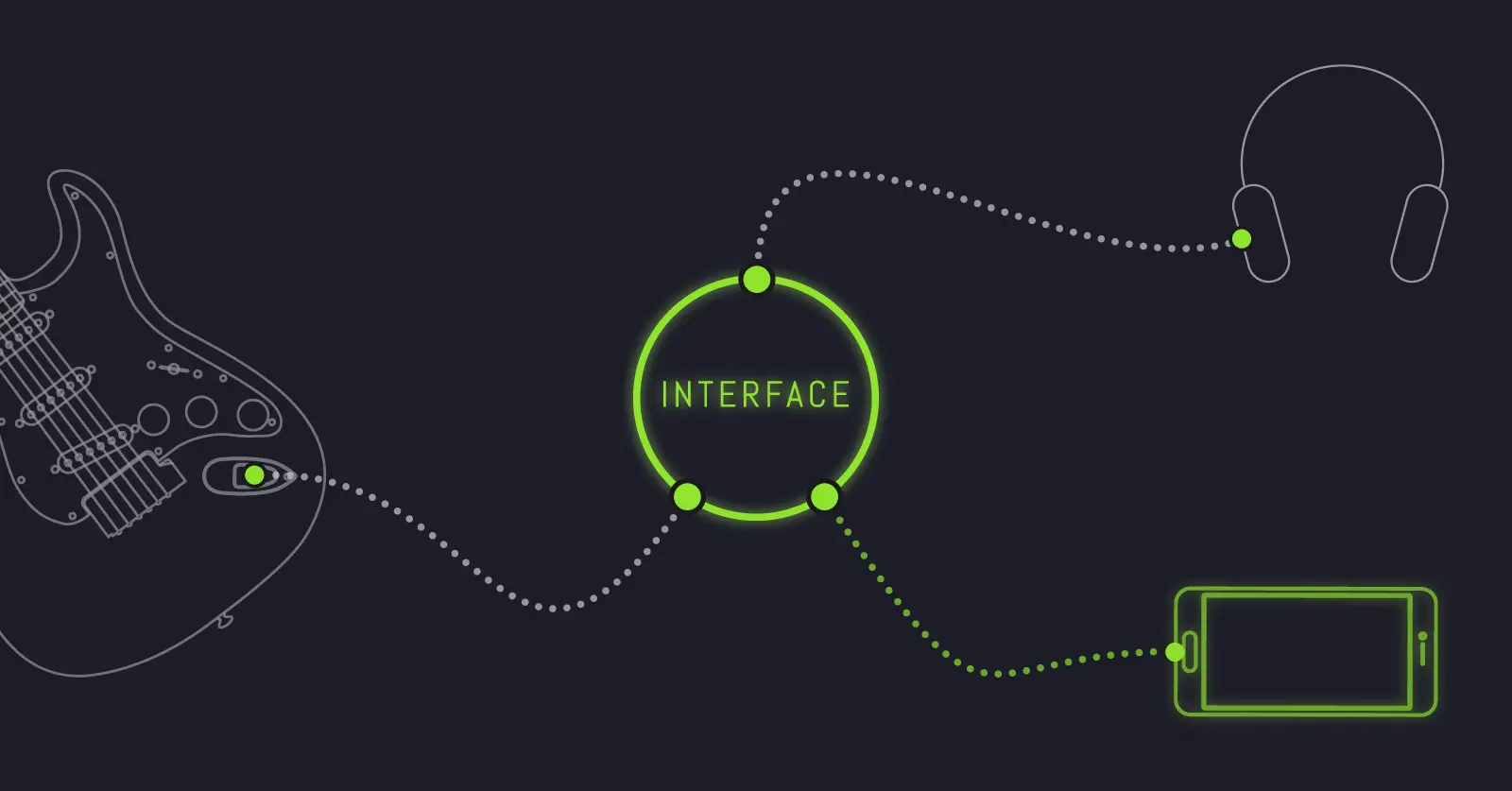
The first answer is a picture. How to Connect draws the whole chain on one screen: the guitar's jack cable into a USB guitar connector, an OTG adapter into the phone, headphones out of it. Each part can be tapped to learn more, and a player with only a jack cable has a way through. The app also recommends interfaces and links to them on Amazon. The deck counts six months of that affiliate at 44k clicks and 350 devices sold.
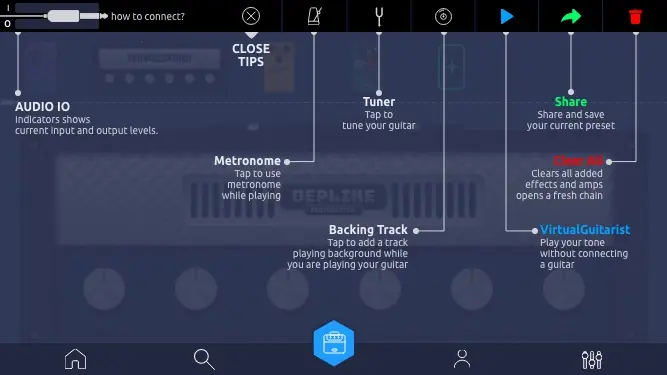
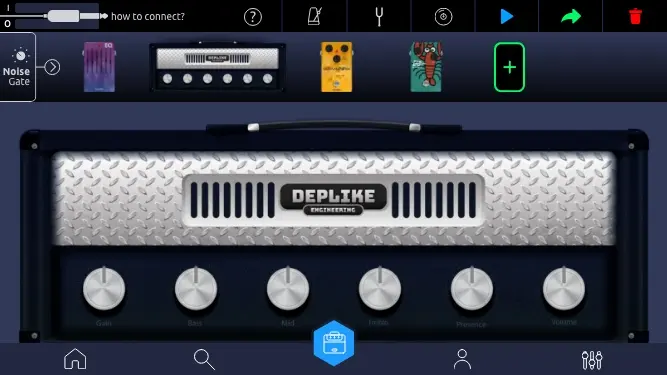
Then the studio itself. I redesigned its top bar so that how to connect? sits in the corner the whole time you play, beside the tuner, the metronome, the backing track and share. VirtualGuitarist plays your tone with no guitar connected, so you can hear what the app does before you own a cable. The bar shipped. The store screens further down show it in the live app.
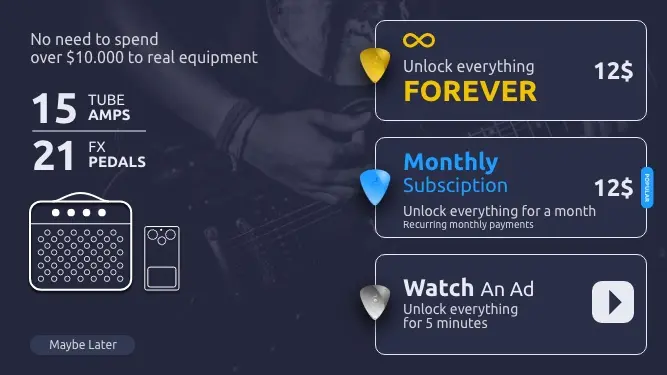
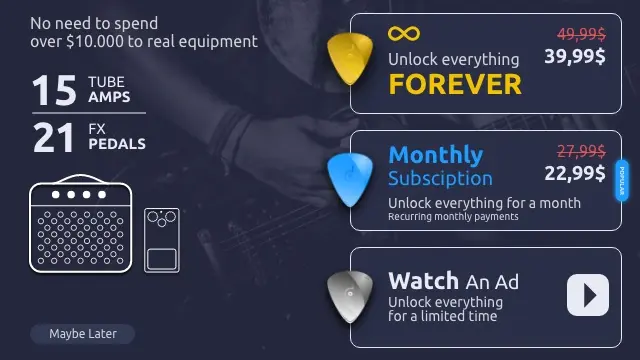
I also redrew the purchase screen, and it shipped: unlock everything forever, unlock it for a month, or watch an ad and have it all for five minutes. One version carries a discount.
Go deeper
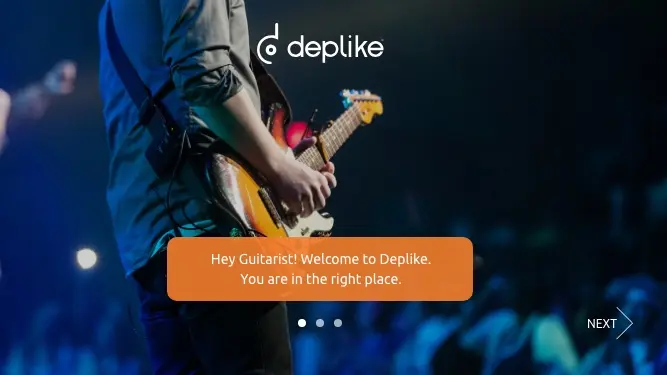
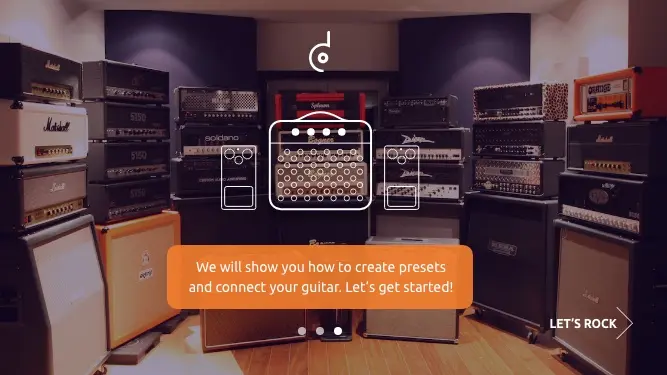
The rest of what I handed to the product manager that year: onboarding, sign in, choosing an instrument and a level, the noise gate, the metronome, the preset card's spec with its premium scenario, sharing, the feed and search.
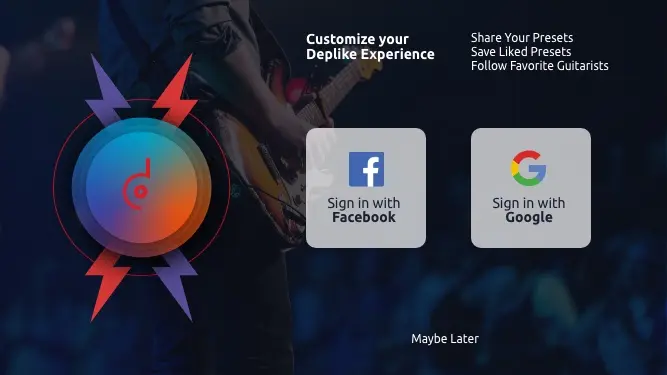
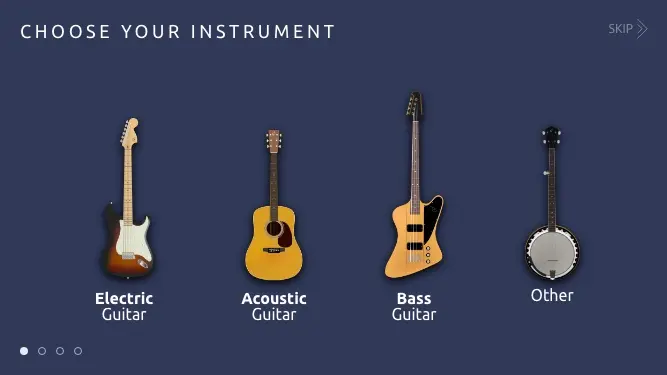
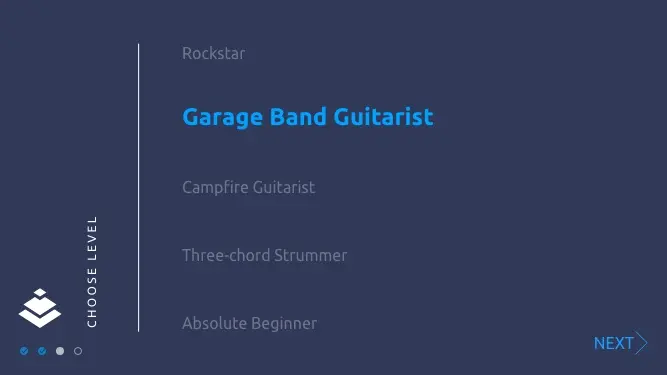
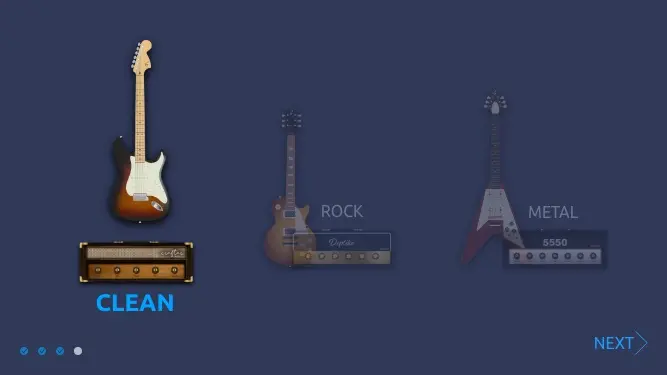
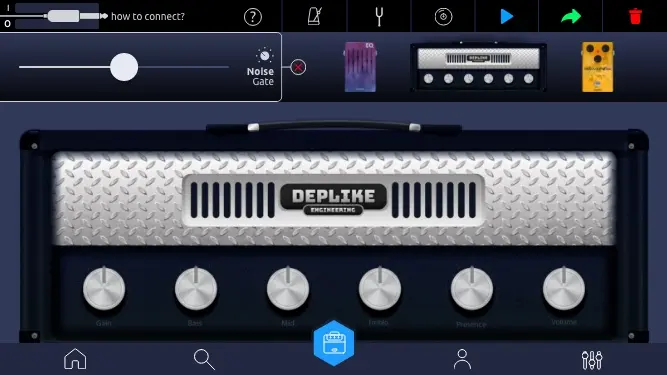
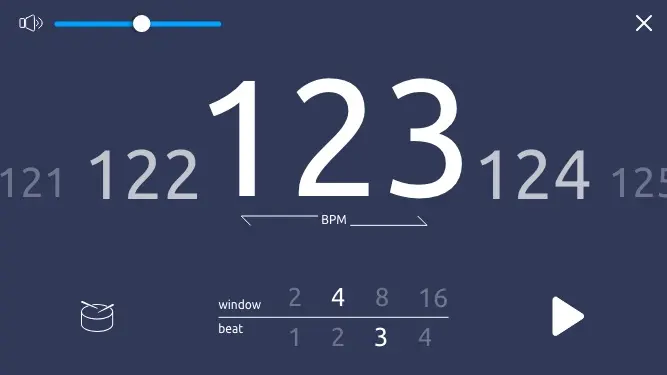
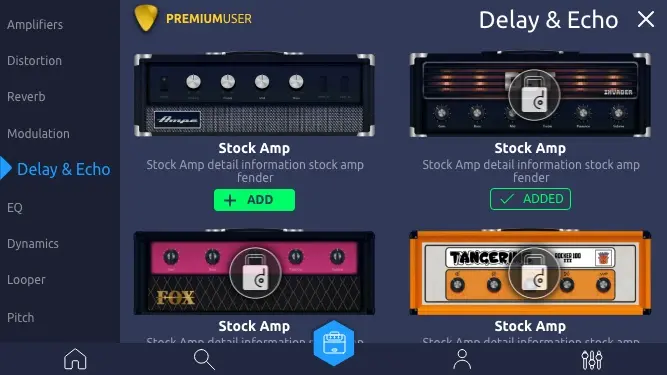
The amps' names and notes are placeholder copy. 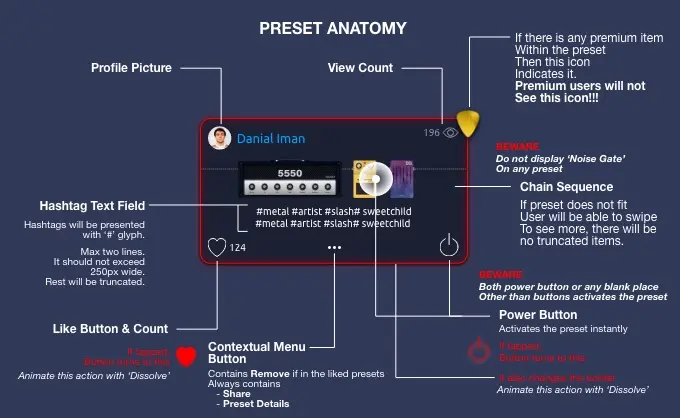
The user, face, views and likes on the card are mock data. 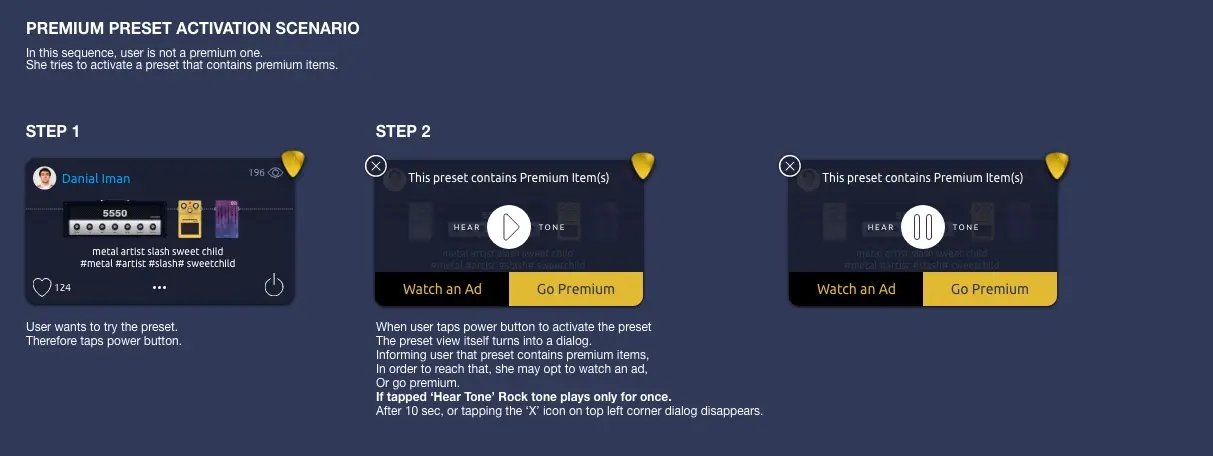
The user, face, views and likes on the card are mock data. 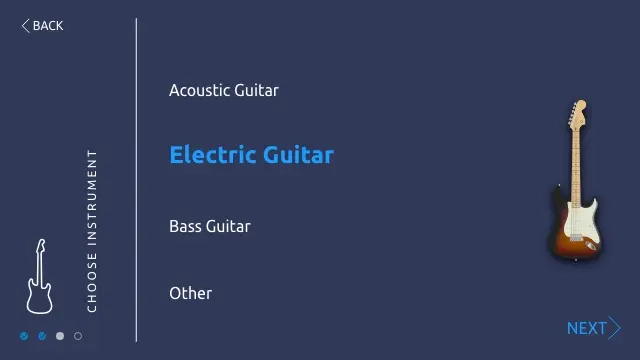
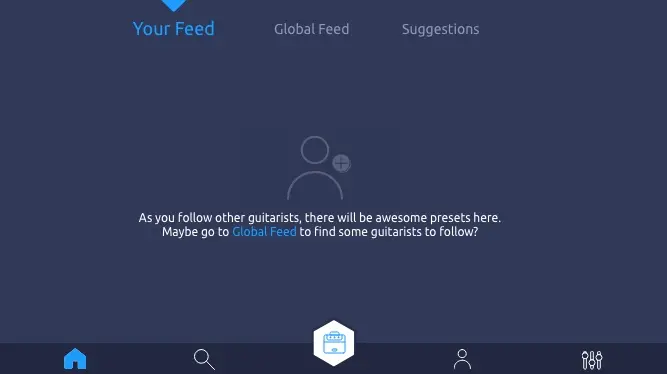
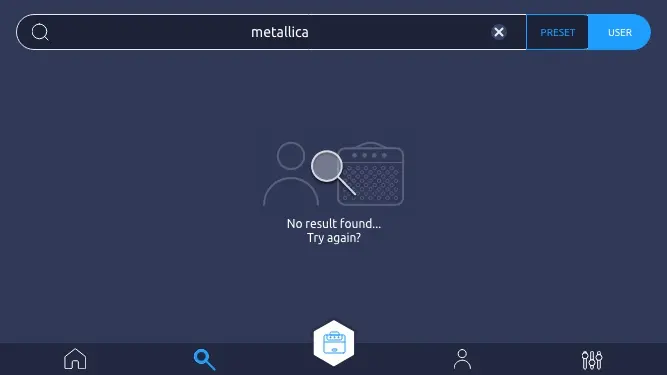
Around the app
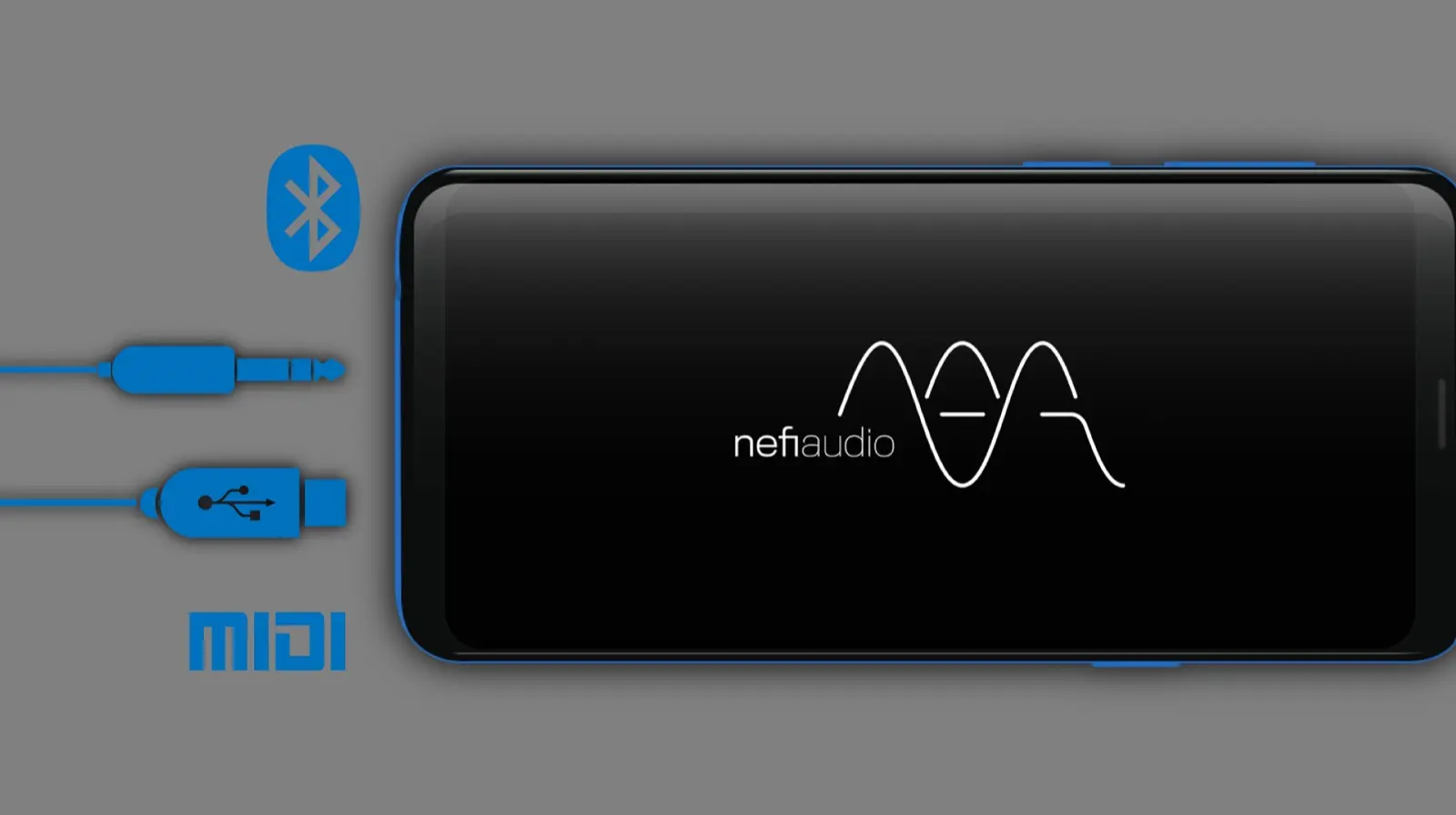
The sound itself had a brand. Nefi named the audio engine under the app, and I drew its mark and the diagram of a phone it joins over Bluetooth, USB and MIDI.
For the blog I drew the setup once and lit it one part at a time, so a post could walk a reader from the guitar through the interface to the phone and out to the headphones.
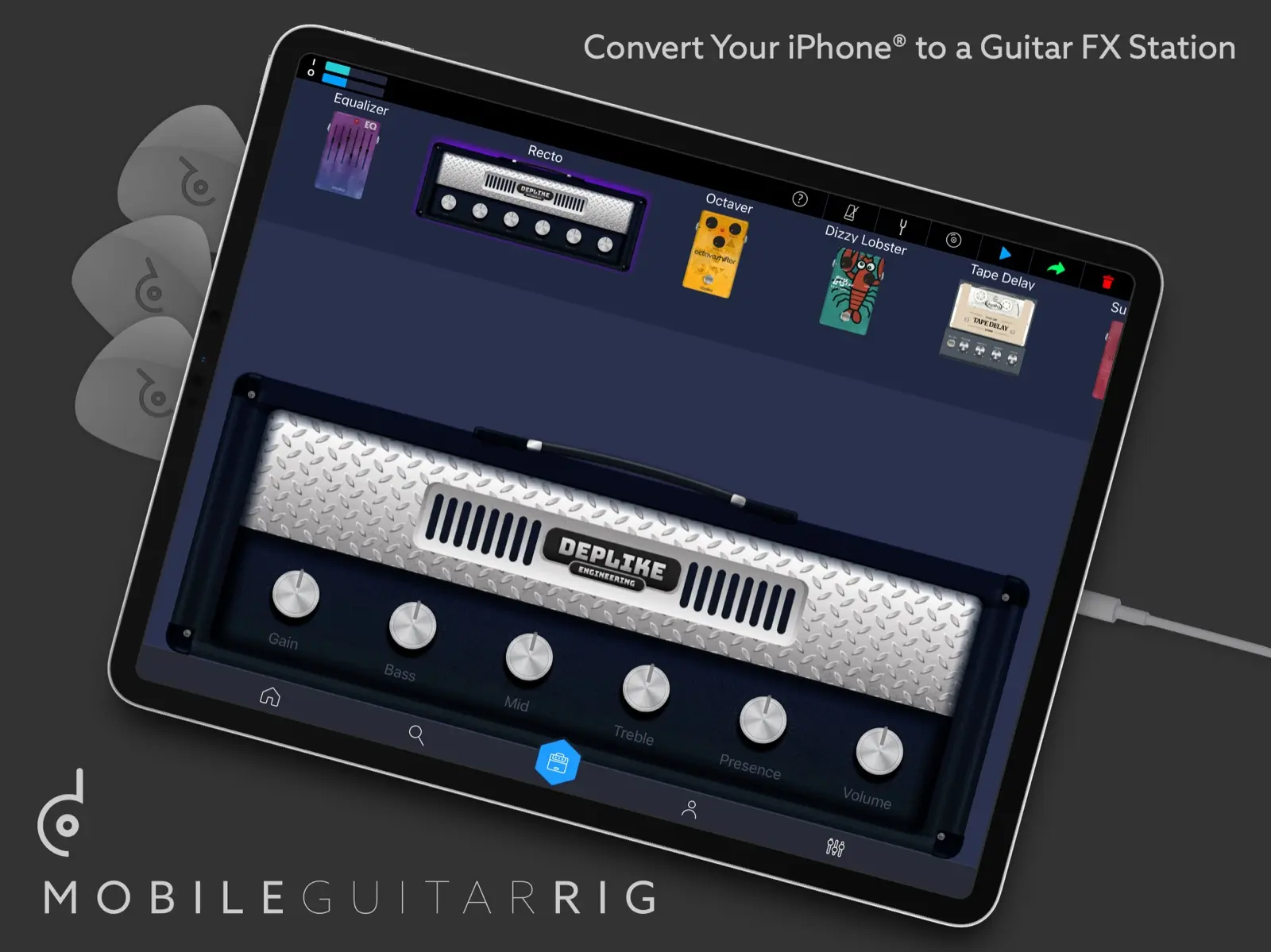
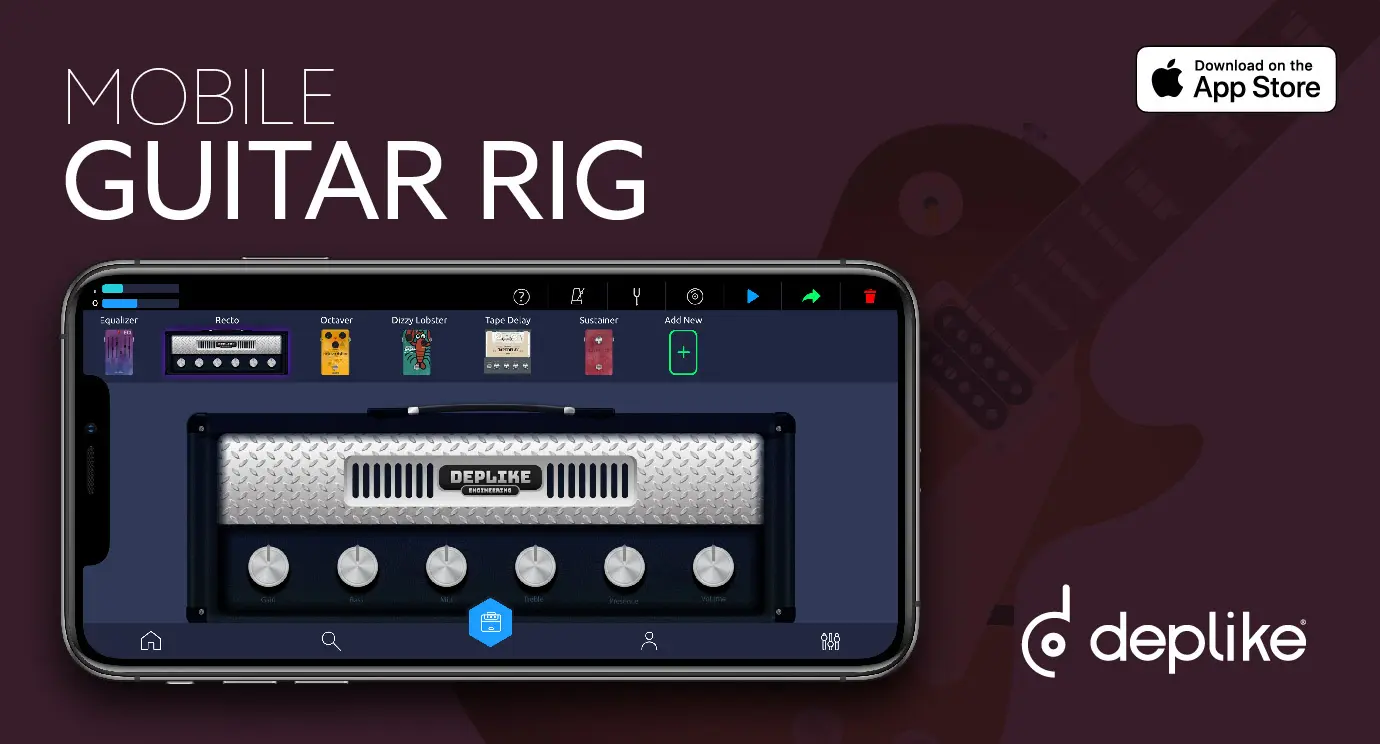
The store pages, the ads and the brand were mine too. Here are my App Store pictures for the iPhone, then the cover of the iPad set. The second picture is about connecting, analog or digital.
The App Store pictures
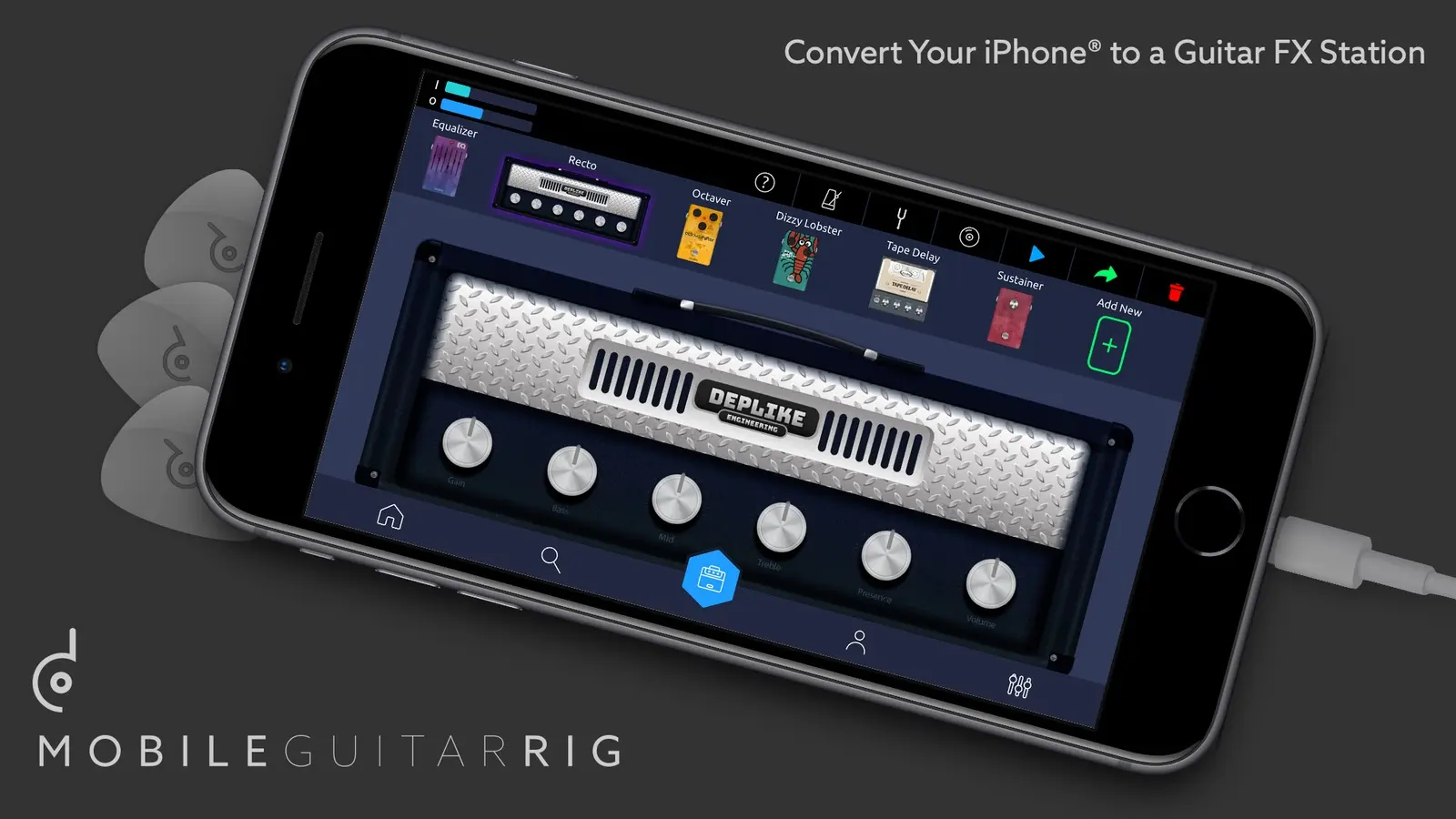
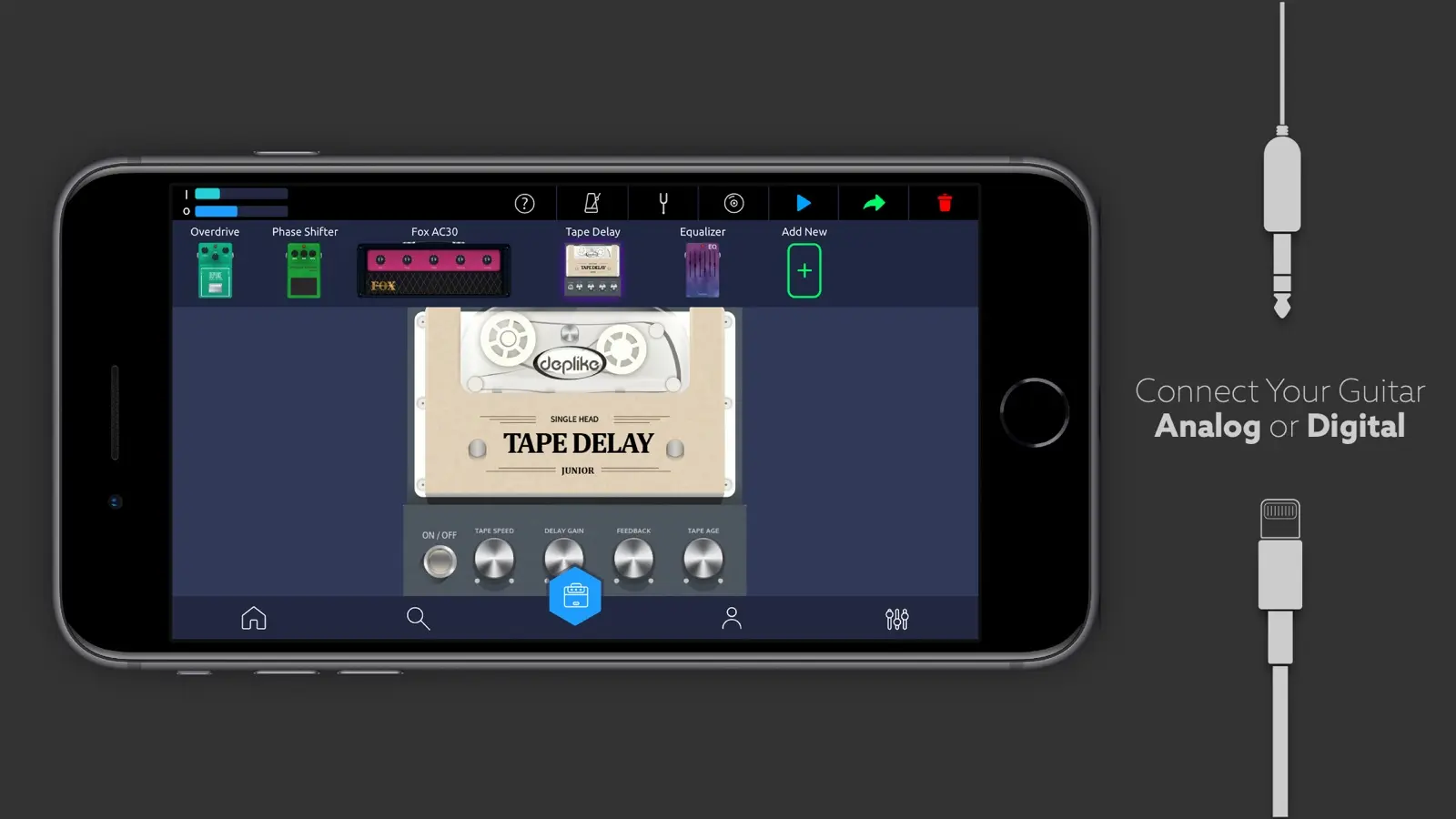
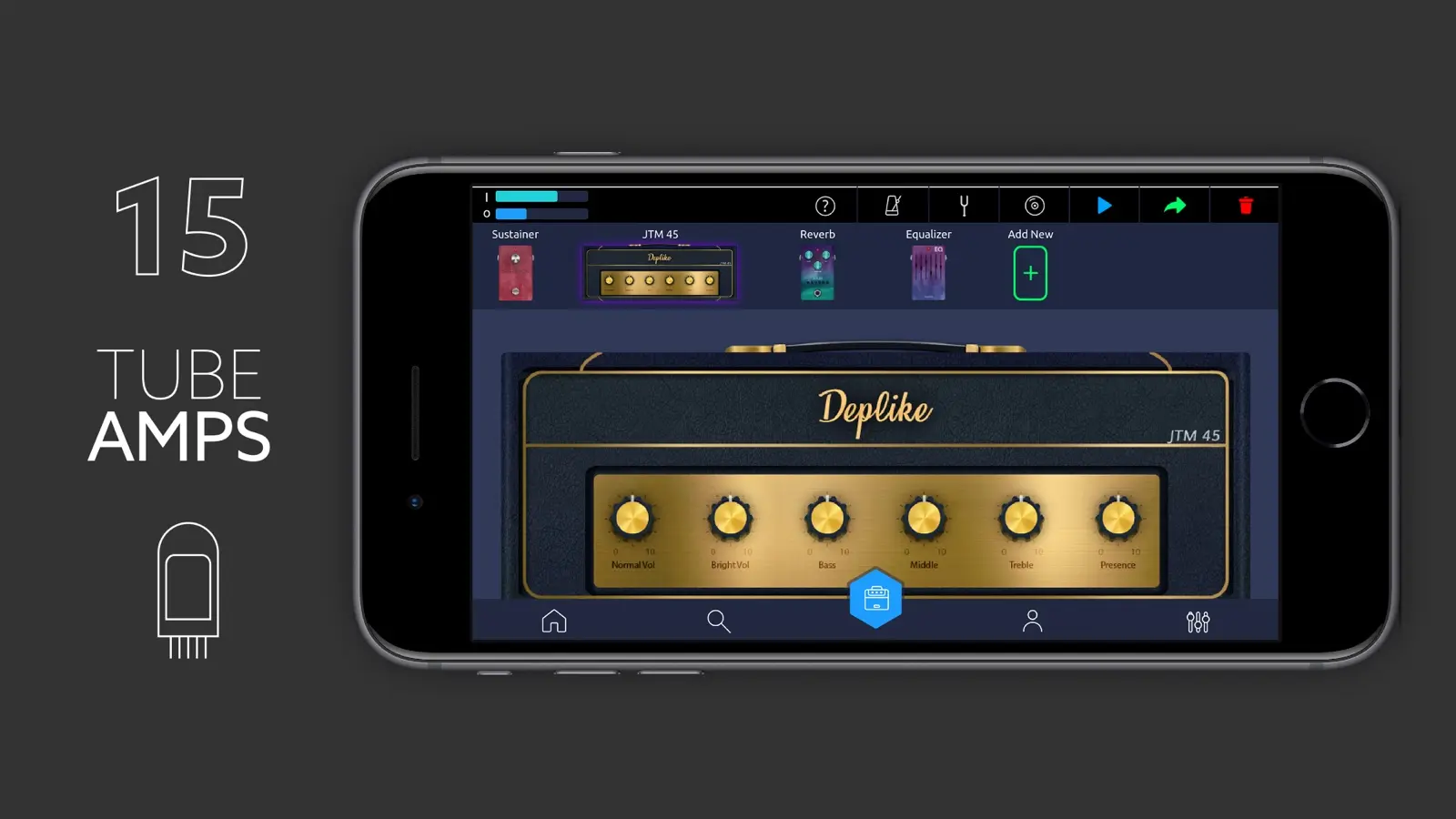
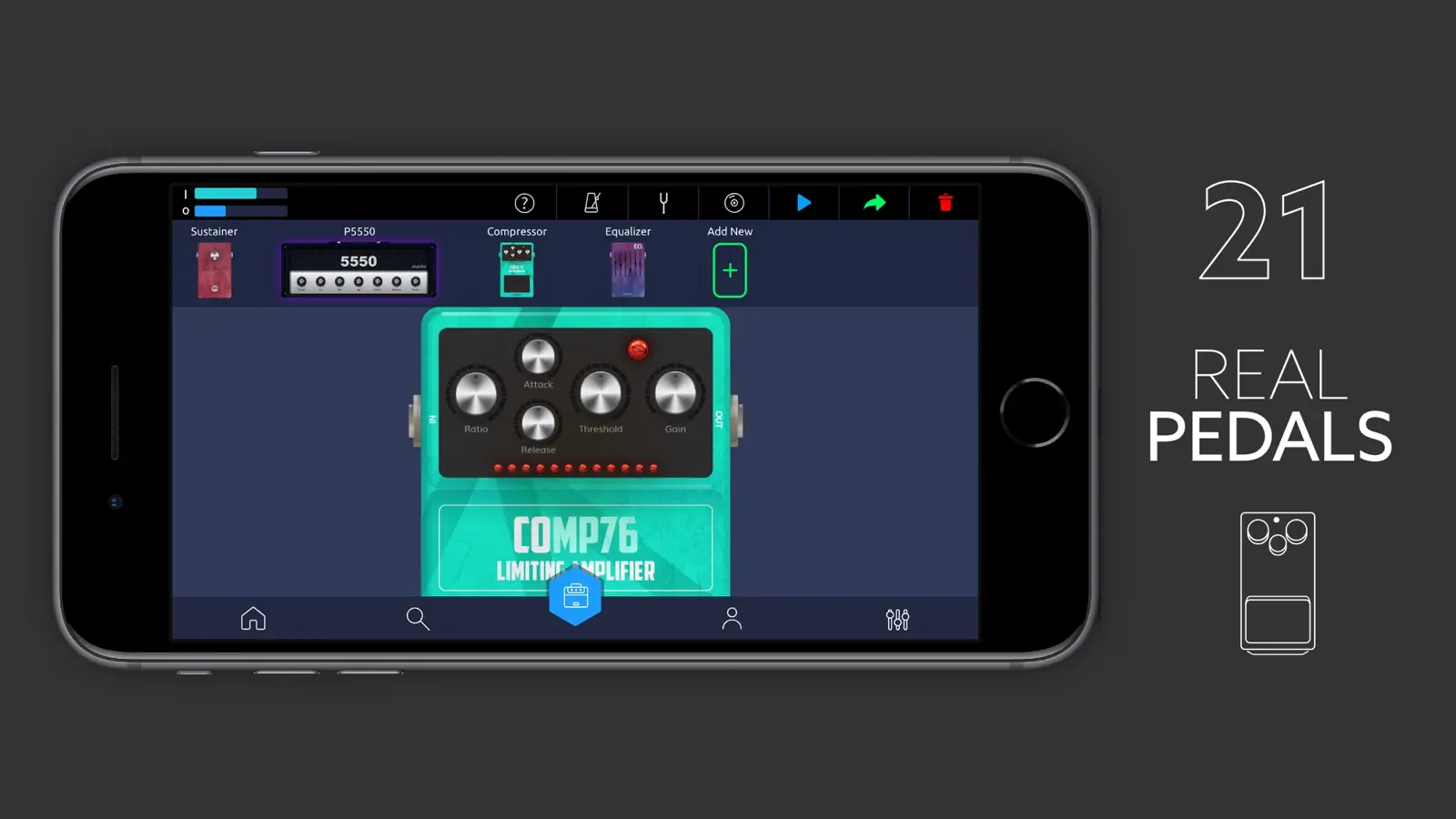
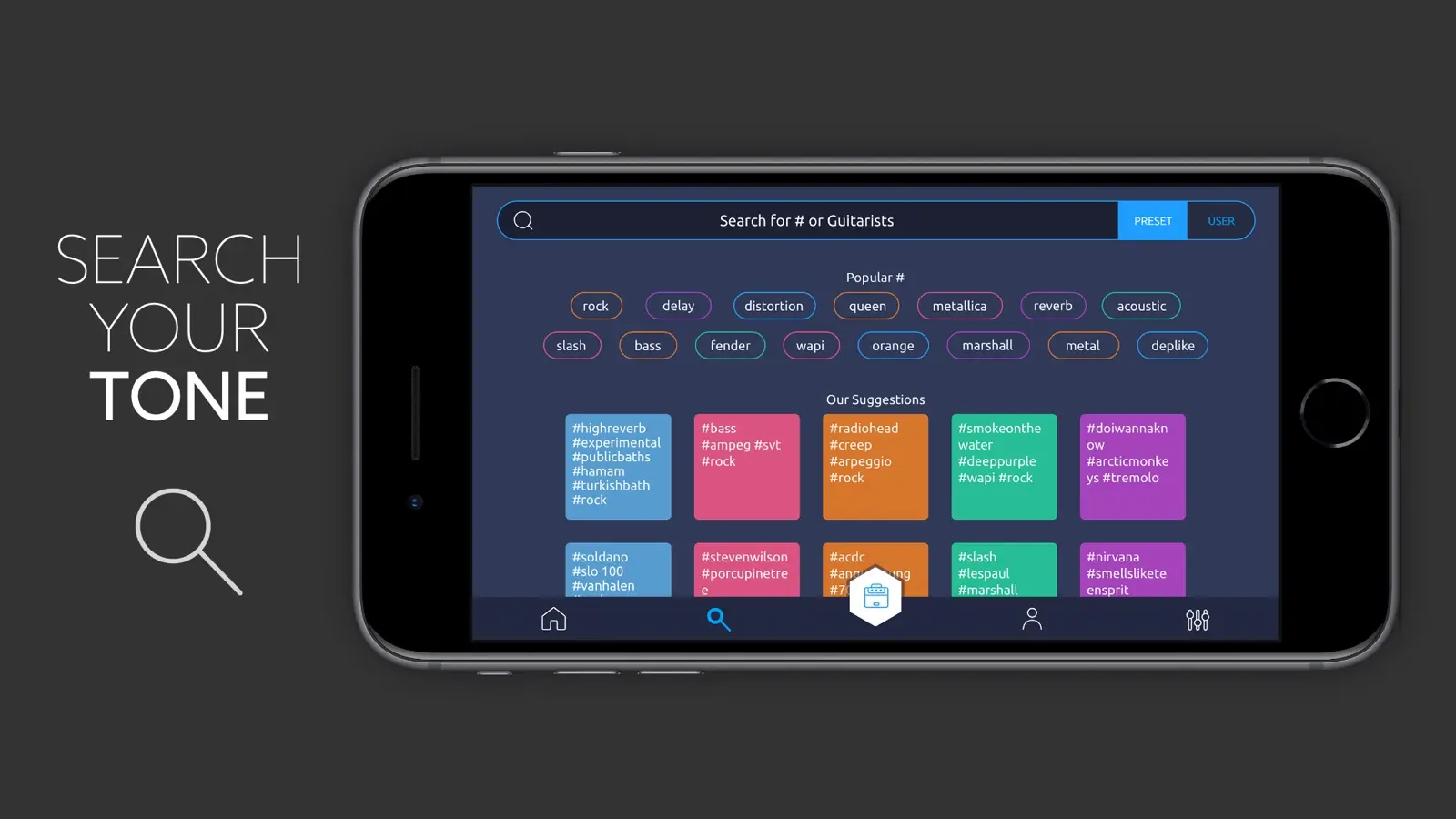
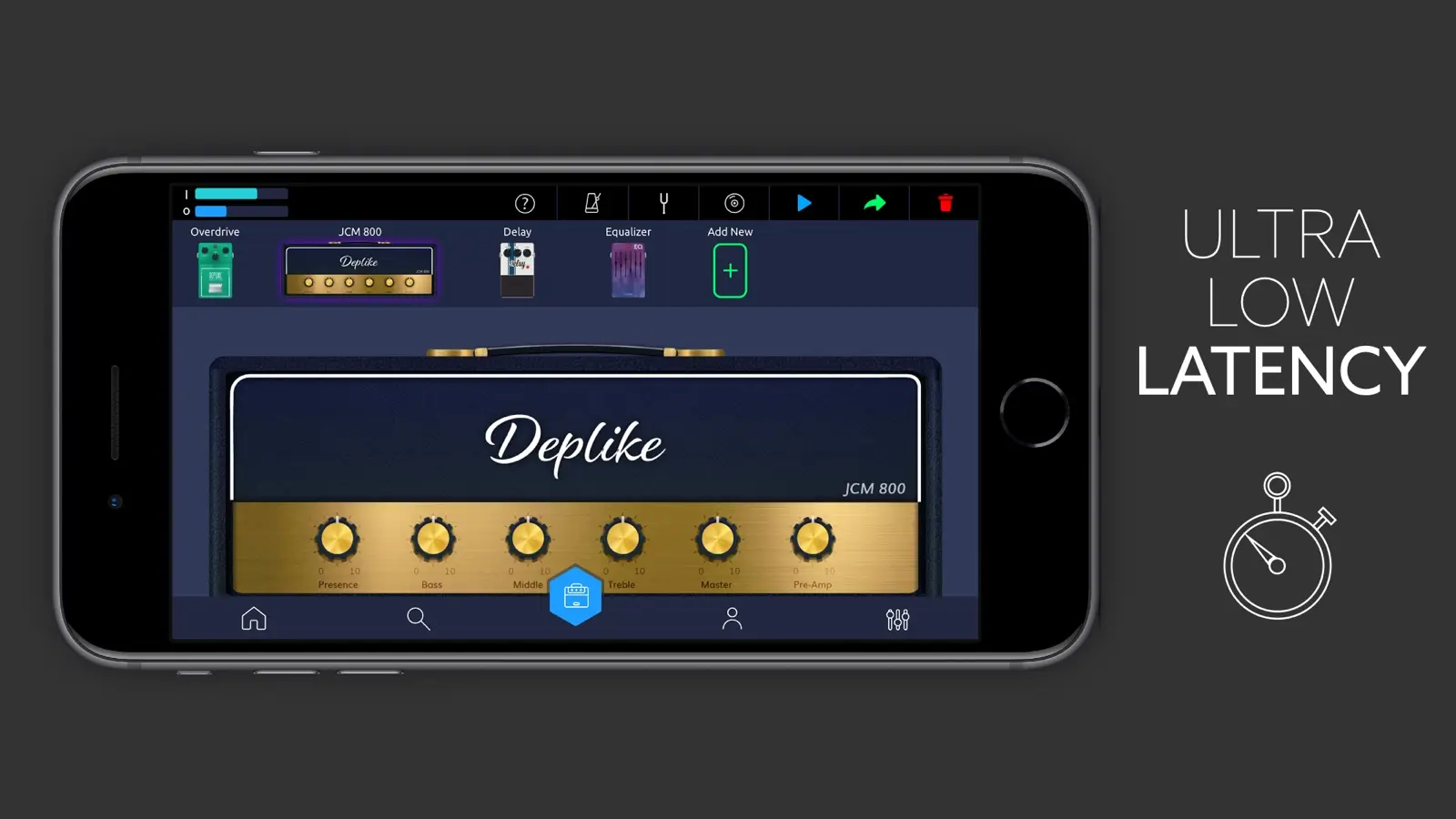
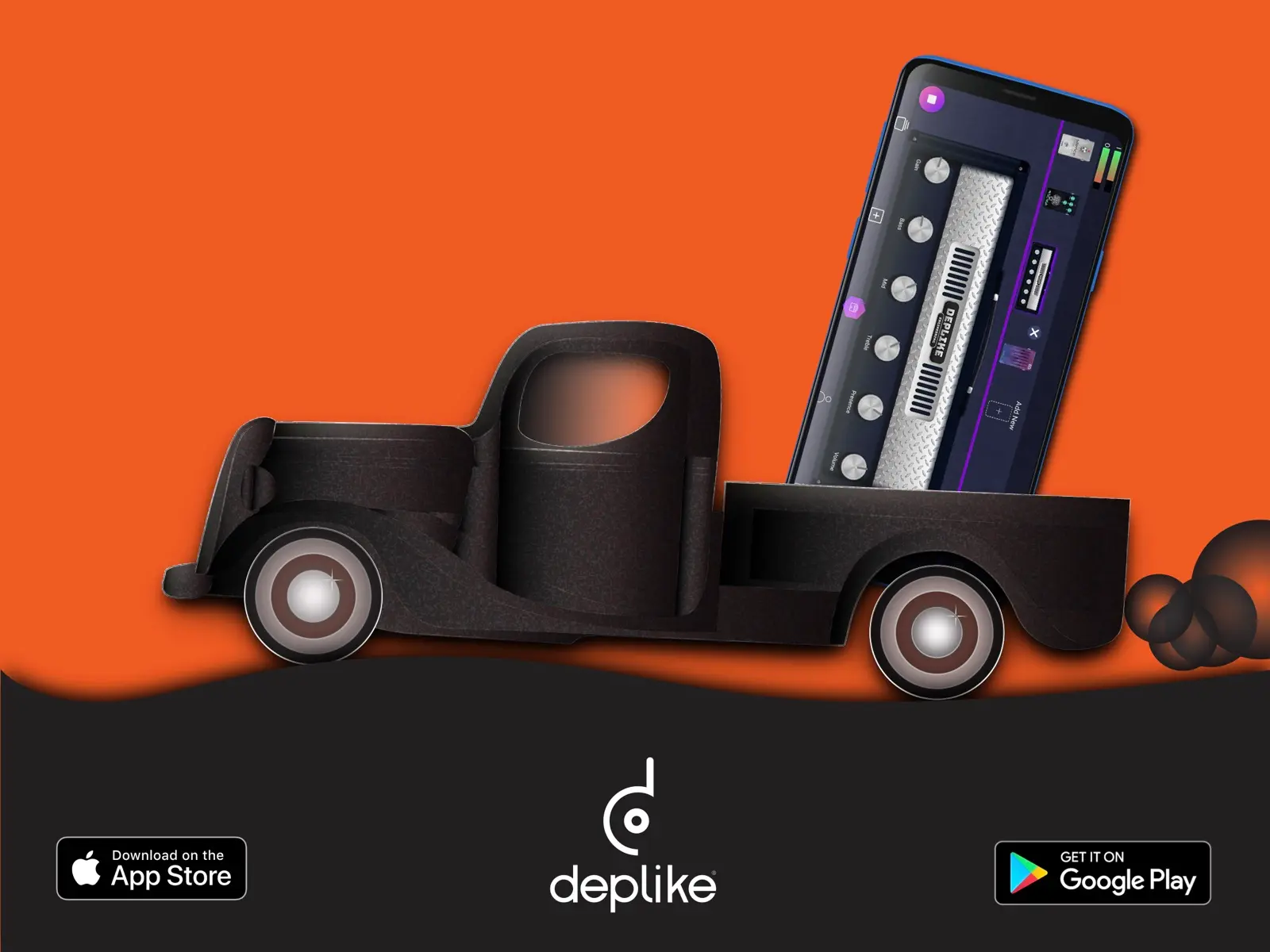
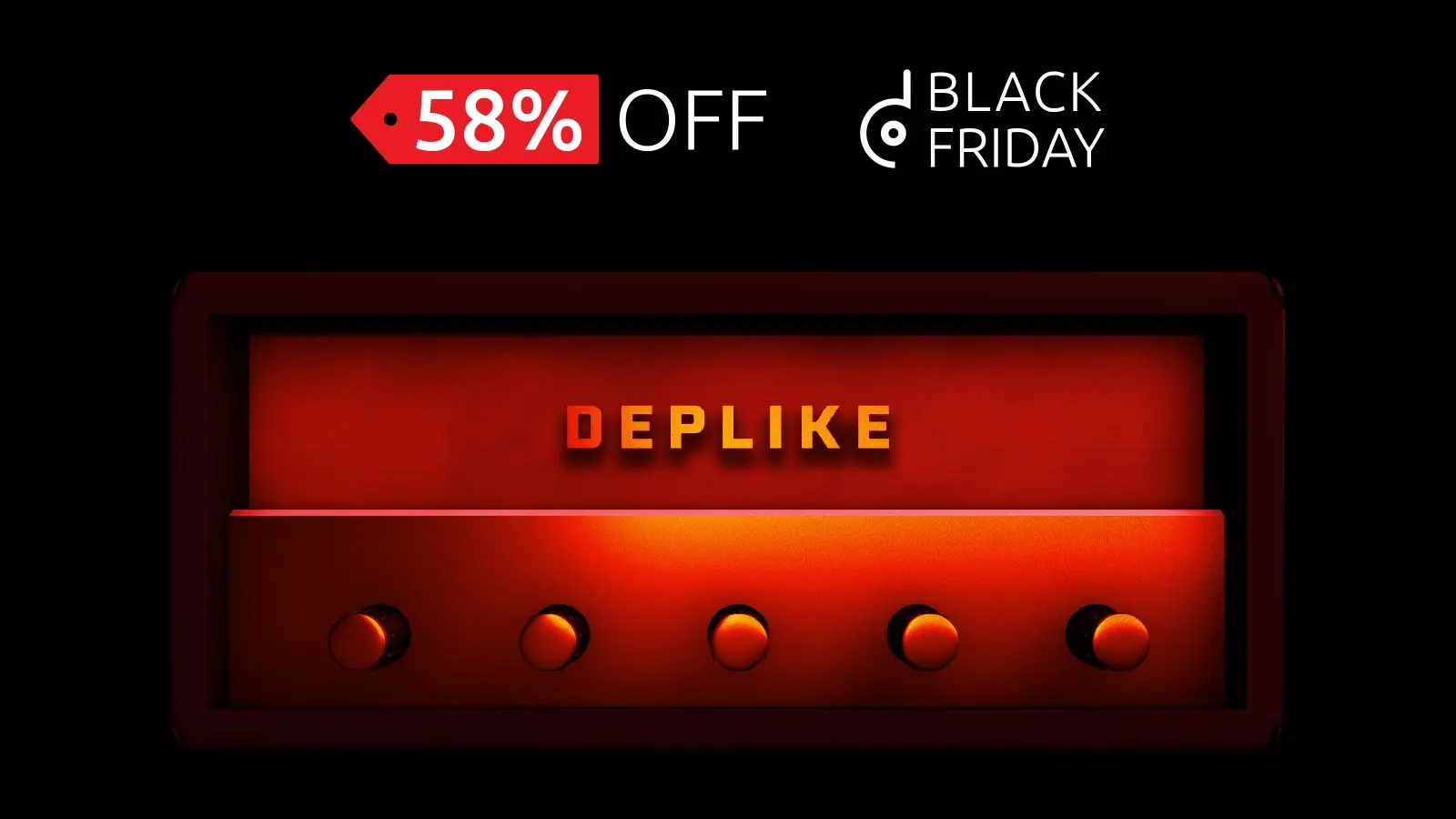
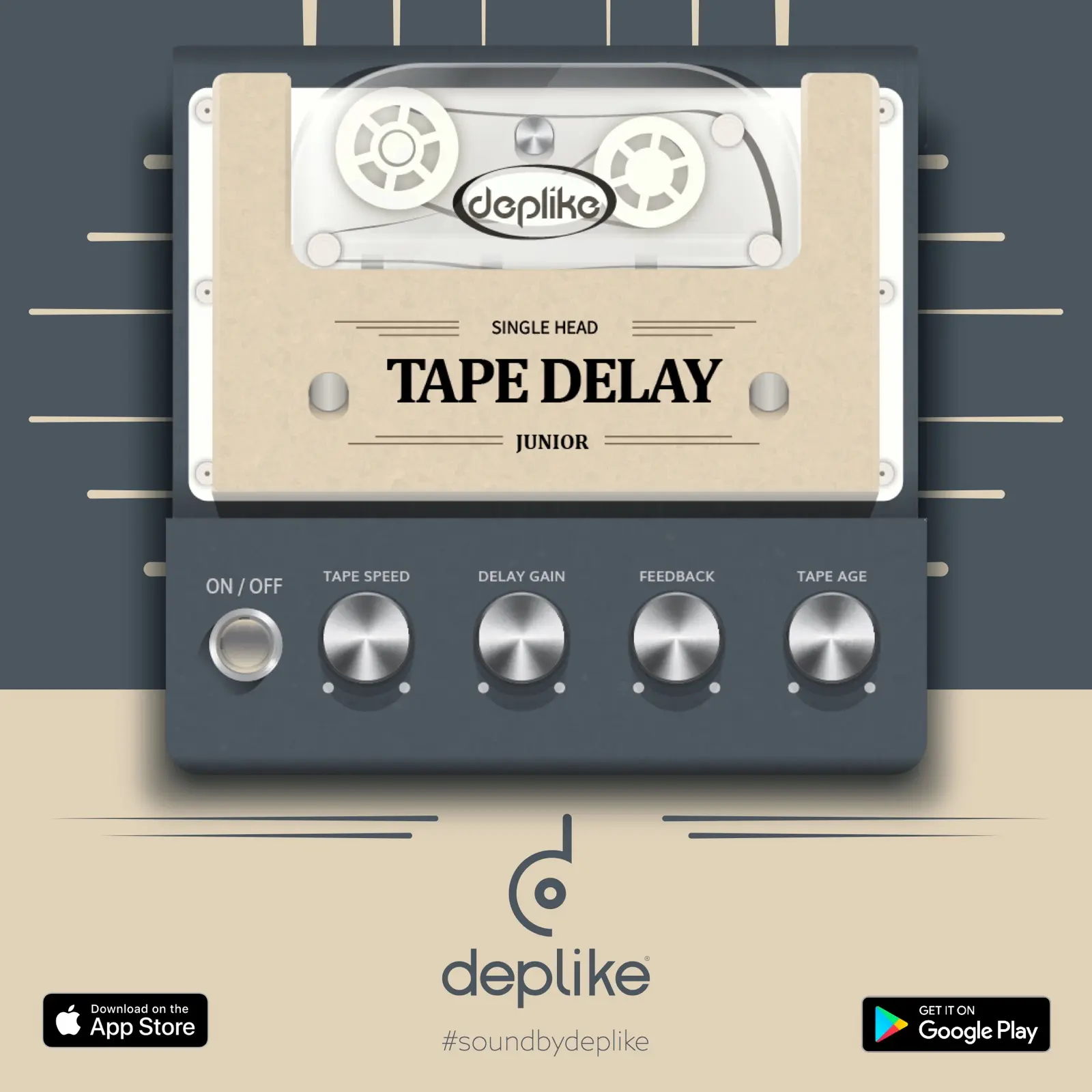
The ads: a Mobile Guitar Rig banner, then six SEM ads. One of them draws the connection again, the guitar into a USB interface and out to the phone and a speaker. After them come Black Friday's amp rendered in 3D, the logotype with its tubes glowing on, and the Tape Delay pedal.
The SEM ads
6 states


Go deeper
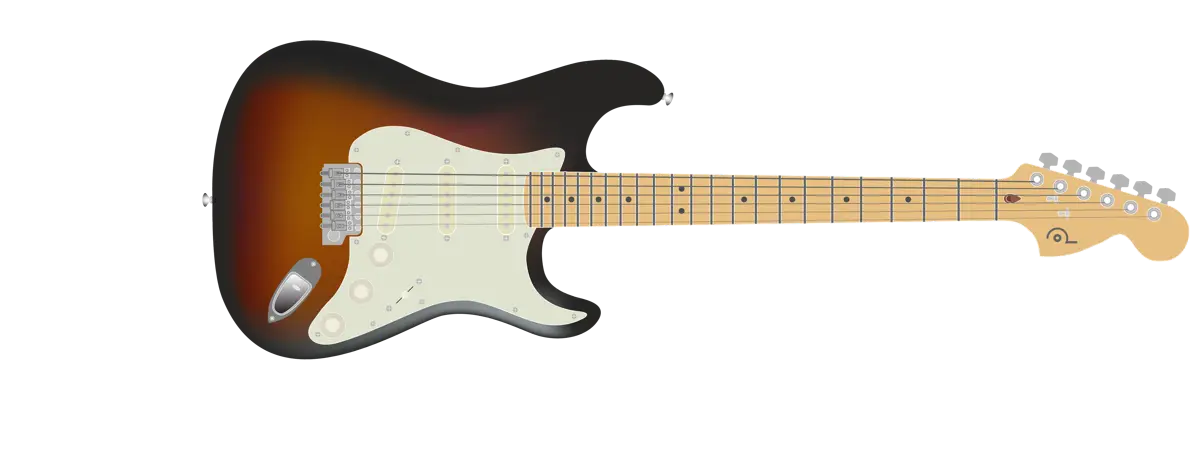
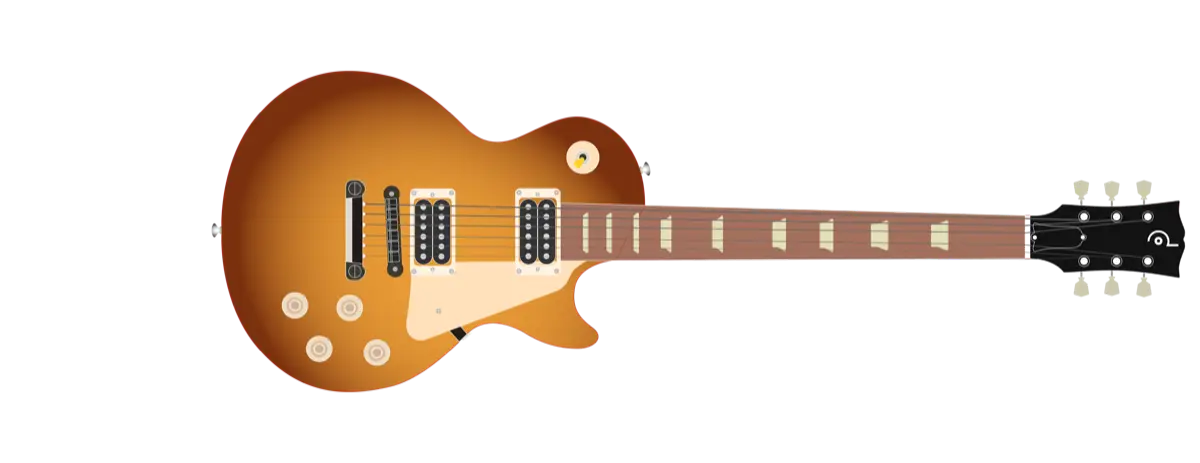
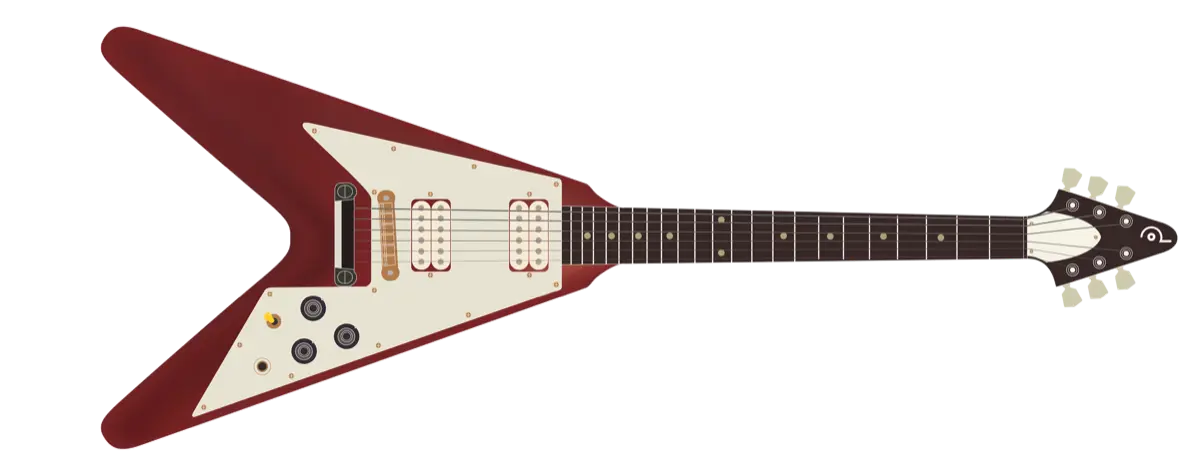
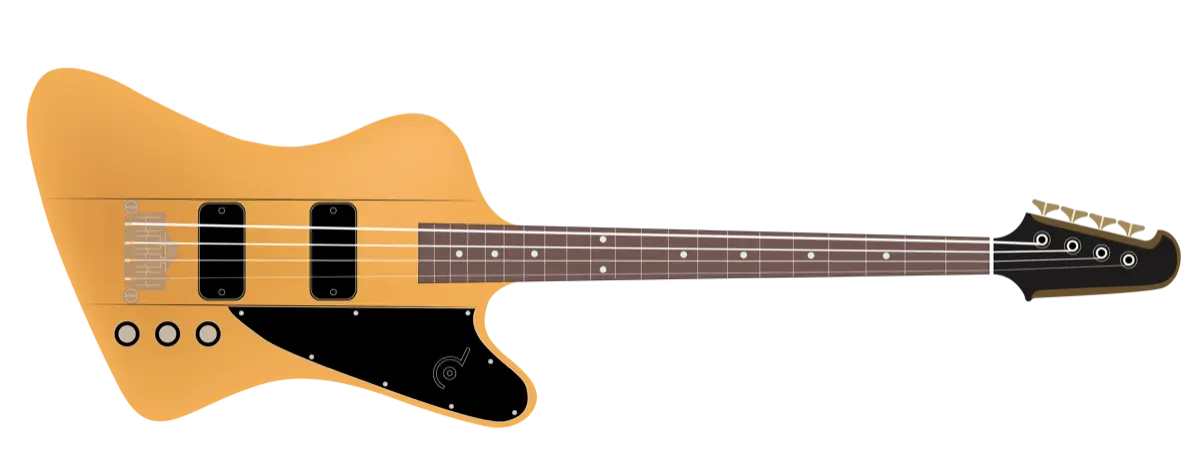
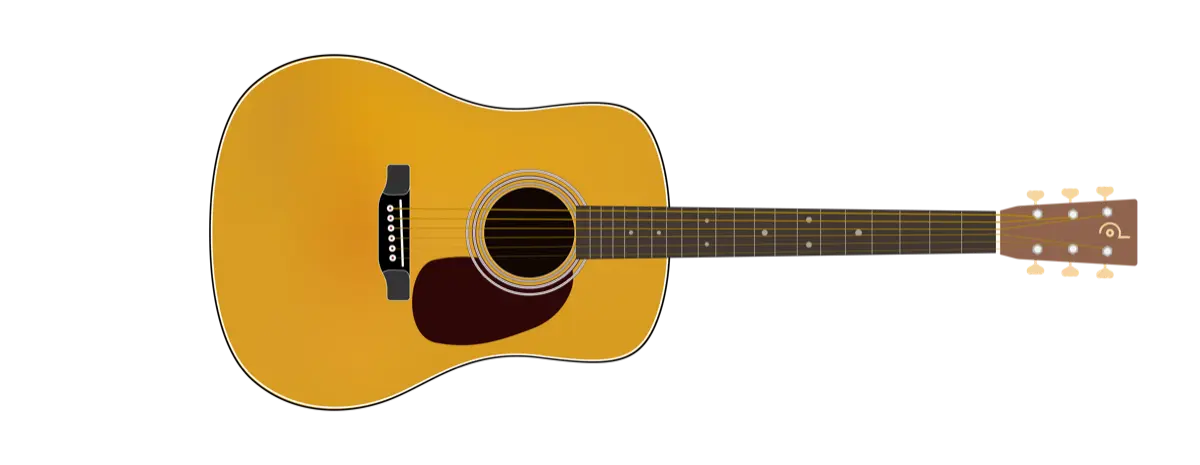
The five guitars I drew for the app.
The decks
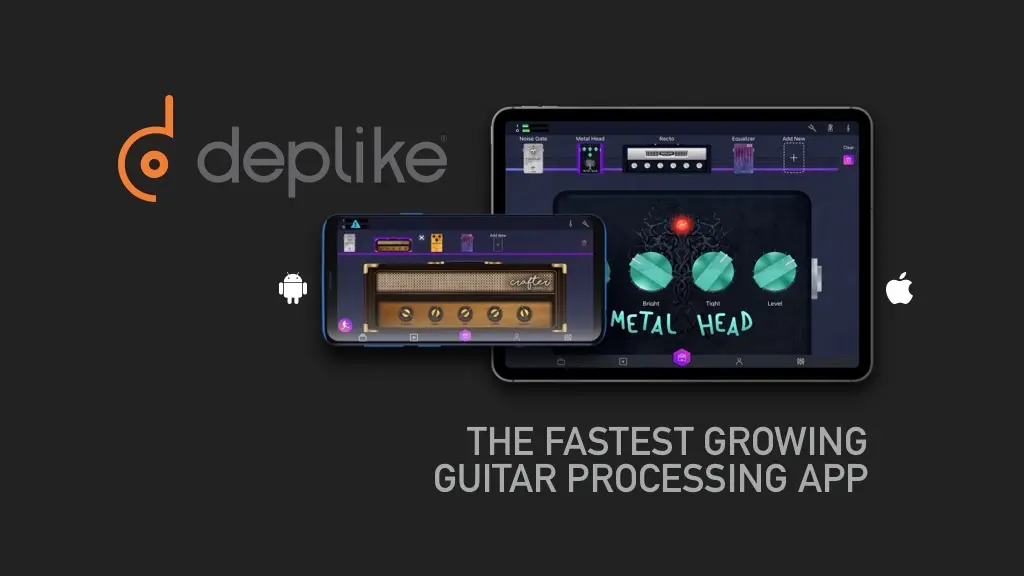
Two decks took the numbers to investors. One went to UK investors under SEIS and EIS, the other is the 2019 pitch. Only a cover is shown here, because the slides carry money and names. The numbers at the top of this page come from the pitch deck's Market validation slide, and so does the preset experiment, which the deck counts at over 20,000 user-generated presets.
December
The last month's work is vision. A card concept for Deplike: ten song cards a day, each with a song, the part to learn and its length, swiped away, starred or liked, and a card that plays and shows when a guitar is connected. And an onboarding in motion that ends on the connection, a guitar cabled to a phone. None of it was built.
Concept, December 2019. Concept, December 2019. Concept, December 2019.
Solo's bet
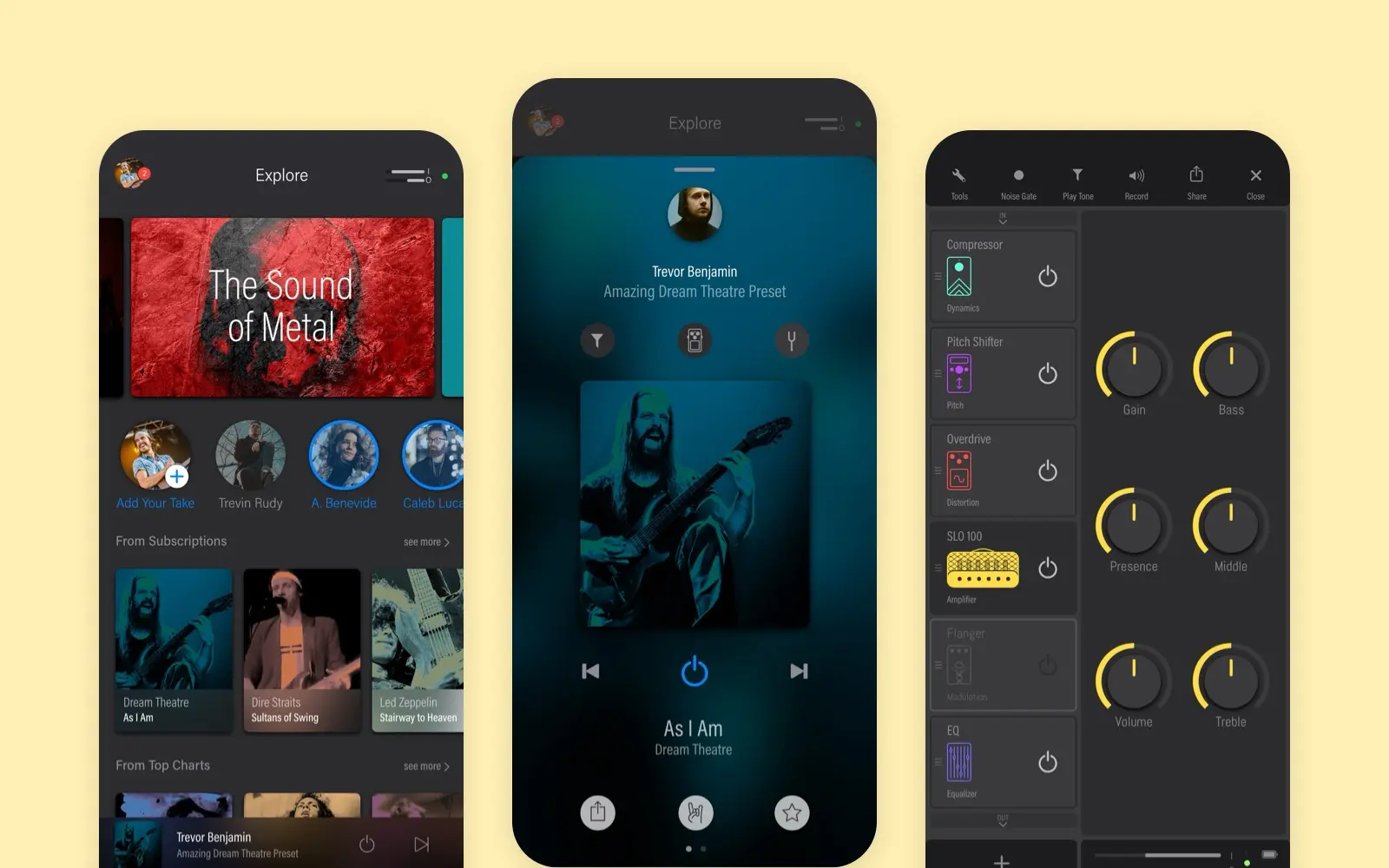
The same year we built Solo, a social app around sharing guitar tones. Its page tells how it was made. This is how the bet went. After sharing came into the app, engagement went up, and we read that as demand for a social product. Sharing was in fact the only way to save a tone. We did not question the signal, did not check what else could explain it, and did not test a much smaller version first. Months of work were lost. What I would do now: treat a big bet as a test, and check what a metric really measures before building on it.
More case studies
Solo
A social app for guitar tones, shipped on iOS and Android. Every pedal and amp is drawn, and the studio knob is rebuilt live on this page.
case study · 2019 · read it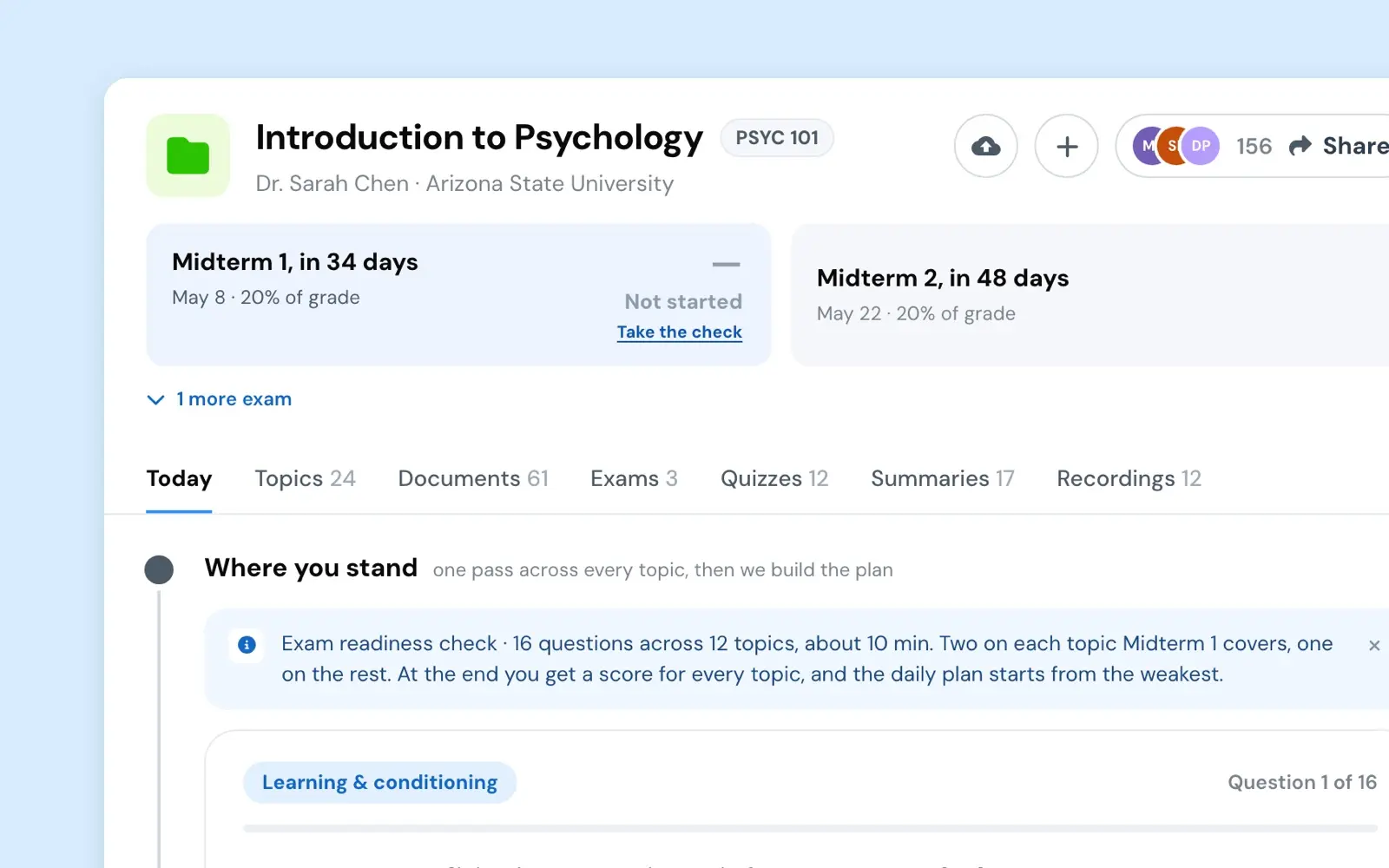
Course Companion
My side experiment became a mission, and I led its design and build. One shared file anyone could build in, a live test, a fast turn when money did not follow.
case study · 2026 · read it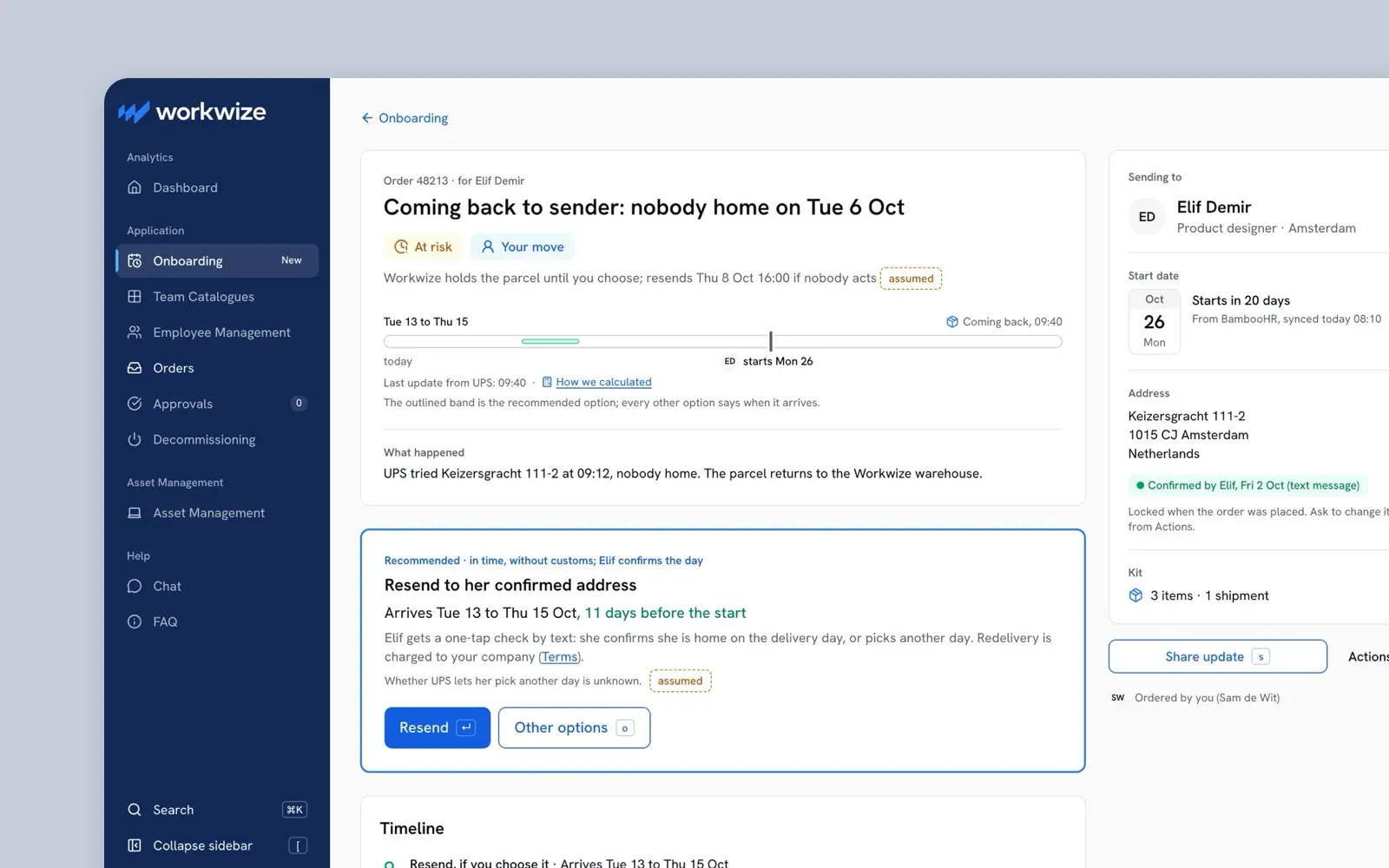
Workwize Onboarding Case
Workwize's design case for a Senior Product Designer role: a delivery date means nothing until it is judged against the day the new hire starts.
case study · 2026 · read it